
Please thoroughly read the course content, and watch video (if there is any video is listed). Your assignment and this instruction video might be different.
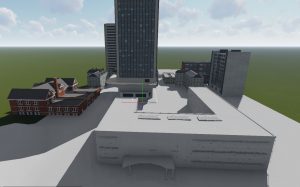

Name of The Final Assignment: Downtown Art High School
Download the base final assignment project in DAE please click HERE to download this model. You may want to fix something on the original model to make it better. You may add more buildings around the school.
Online Sound Editor, click HERE to access the website.
Free loyalty free music, click HERE to access the website.
Online movie editor, click HERE to access the website. You may also download a free version of Windows’ Movie Maker click HERE, if you don’t already have one.
Time to complete this assignment: More than 2 Weeks.
Problems with missing objects or faces in Lumion.
If you encounter problems with missing objects or faces in Lumion. These objects are actually still there. The solution is quite simple with Lumion 11:
You need a software such as 3DS Max or Rhino. Export your model in DAE file format. If the faces of an object are invisible from one side but visible on the other, you can make the whole model double-sided in Lumion by adding the suffix _safemode to the file name.
For example FileName_safemode.DAE.
Warning: Doing so can significantly increase the complexity of the model and in some cases result in slow screen and render times. Please use with caution. I will suggest you import only the missing objects to reduce it’s complexity.
Deadline: Final Assignment Submission due before May 23rd (non-penalty date)!
Please make sure everything in your submission folder. Your final PDF prints with your original Dynamo and Revit files are in your folder. Submit your final assignment before the above deadline. Do NOT wait till the last day to submit your final project! You might have issues if you submit your project on the last day. Give yourself a few days to fix your problems. You are at risk, if you choose to submit at the end of the submission date.
Your account will be disabled if found to be inactive in more than 5 days in Winter, 7 days in Summer, and 10 days in regular semester. Please contact me immediately, if you have an emergency. My email is mtchang@ccny.cuny.edu. This LMS will automatically disable your account, if it sees no activity in more than the day of the semester this course is offered. This online course is designed to be conducted 4 times a week in Winter, 2 times a week in Summer, once per a week in regular semester, and it is NOT intended for you to finish everything for a day or two. Don’t forget to submit your original Lumion files! There is a penalty for submit your final assignment in the last day.
The Last Minute Final Project Submission Warning!!!
The last day to submit your final project is May 24th of 2023. This is the last day to submit your final project, but this is NOT an ideal day to submit your final project. This is a warning for anyone who “struggles” till the last minute to submit your final project part2. Bear the consequences, if you submit your final project in the last minute.
- 20 points deduction on your final project submission of the last day to submit your final project.
- You might fail this class due to incomplete submission. You forget to submit one of the required sheets.
- You accidentally “lock” your folder without releasing your permission. Your submission will be graded ZERO.
- You miss one of the critical components for your final project. You will receive a reduced grade.
- Something happens with the web server that prevents you to submit. Your submission “might” be graded ZERO without any proof.
- Your computer crashes. Your submission will be graded ZERO.
I will recommend everyone to submit earlier, so there will be time for me to check at your submission. Waiting till the last moment often will often hurt your grade.
Late Final Projects will not be accepted barring from medical emergencies. You are always encouraged to submit your final project early.
Requirement:
Architecture students
Render 10 still renderings minimum:
1. #5 Print Quality: 3840X2160 Exterior from at least 2 sides of the building.
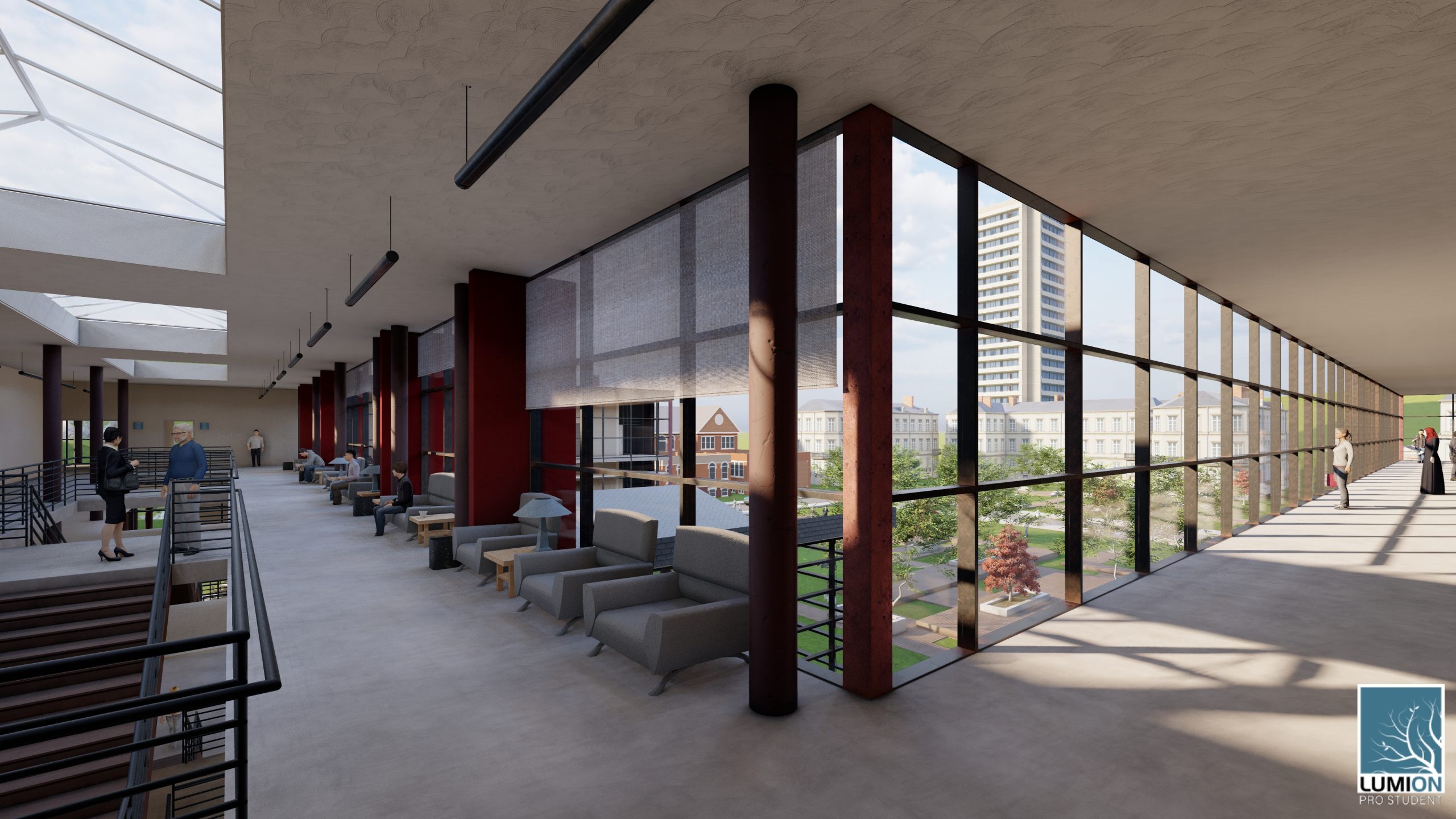
2. #5 Print Quality: 3840X2160 Interior from the lobby to the hall way.
3. File sharing with me.
4. Make a movie
Landscape students
Render 10 still renderings minimum:
1. #5 Print Quality: 3840X2160 Exterior from at least 2 sides of the building.
2. #5 Print Quality: 3840X2160 Exterior from the different angle; and your focus should be on exterior landscape point of views.
3. File sharing with me.
4. Make a movie
Animation Videos minimum
1. #7 1920X1080 Full HD short video clips of Exterior from at least 2 sides of the building.
2. #3 1920X1080 Full HD short video clips of Interior from the lobby to the hall way.
3. File sharing with me.
4. Make a movie
Insert all min. 10 video clips in video mode.
Add 1 second title of your short movie.
Add music to your movie.
Add transition effect on every changing video.
Render the entire in MP4.
Upload to YOUTUBE.
Send me link of your movie.
Gallery will be up running for your Lumion exhibition. I will post your movie link in our gallery exhibition with all of your movies. Please create an image of your cover page with your name and this course name: resolution of this image should be 1920×1080. Forward it to me. This is for our virtual exhibition.
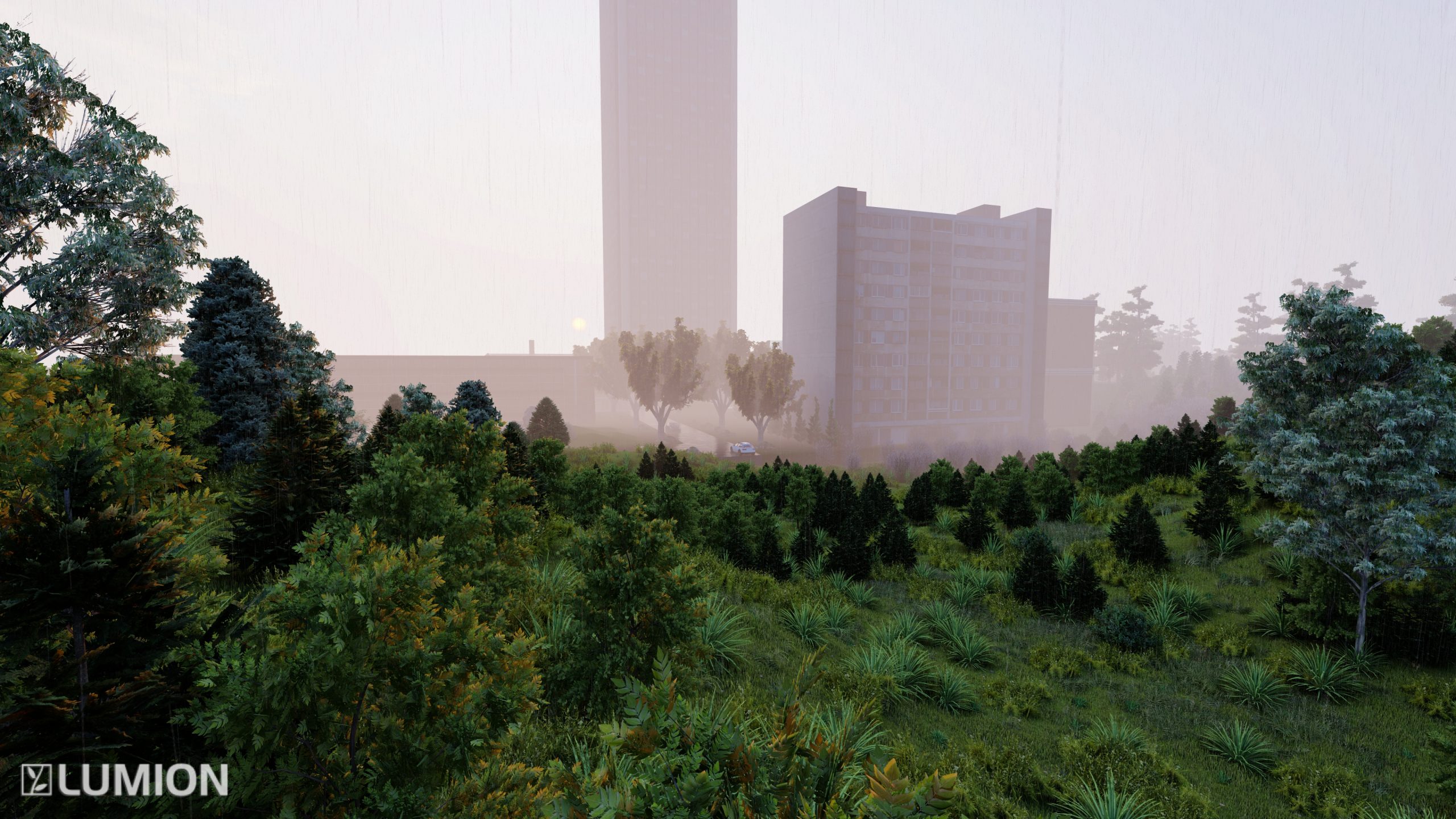
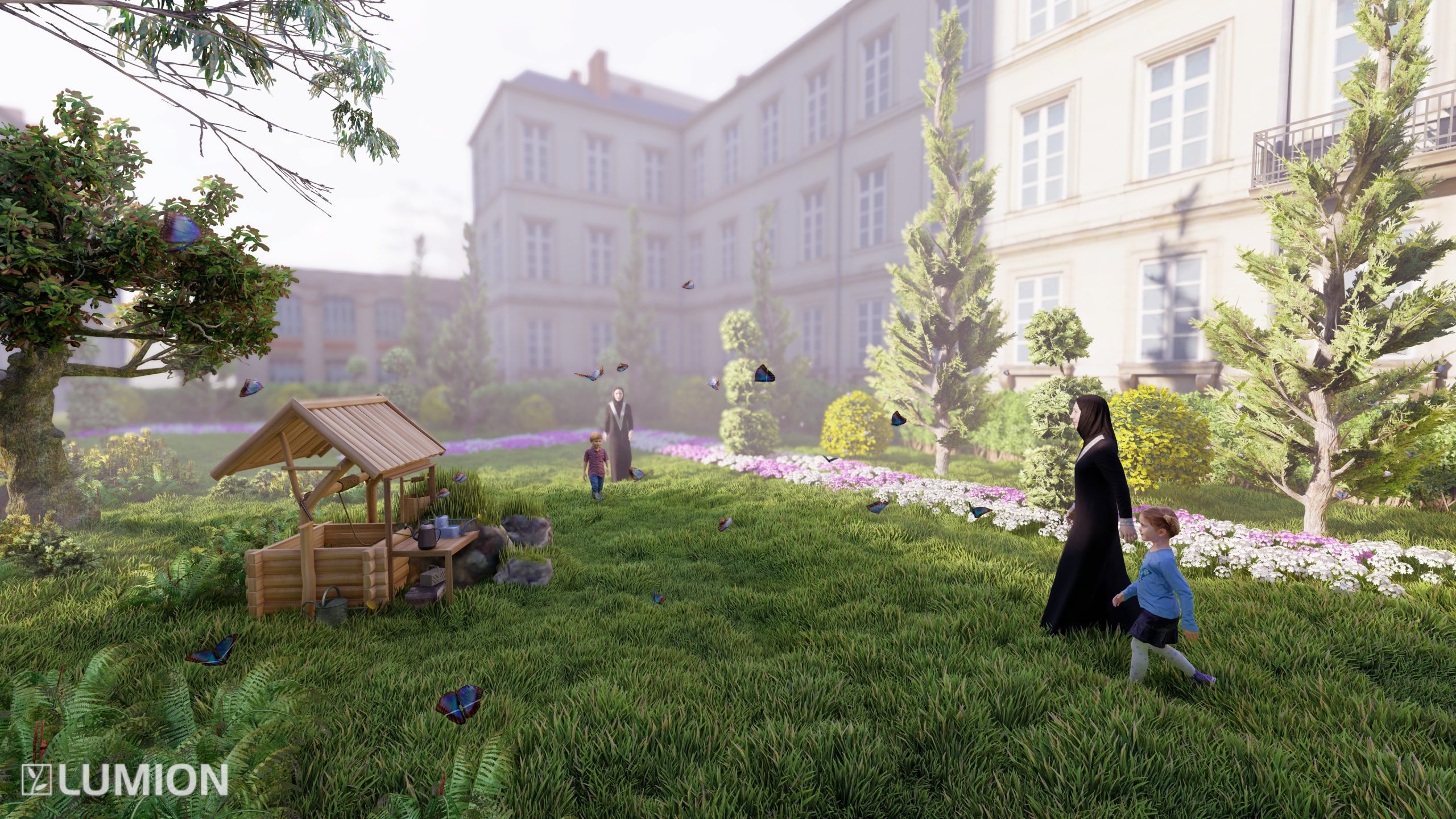
Sample Landscape Renderings
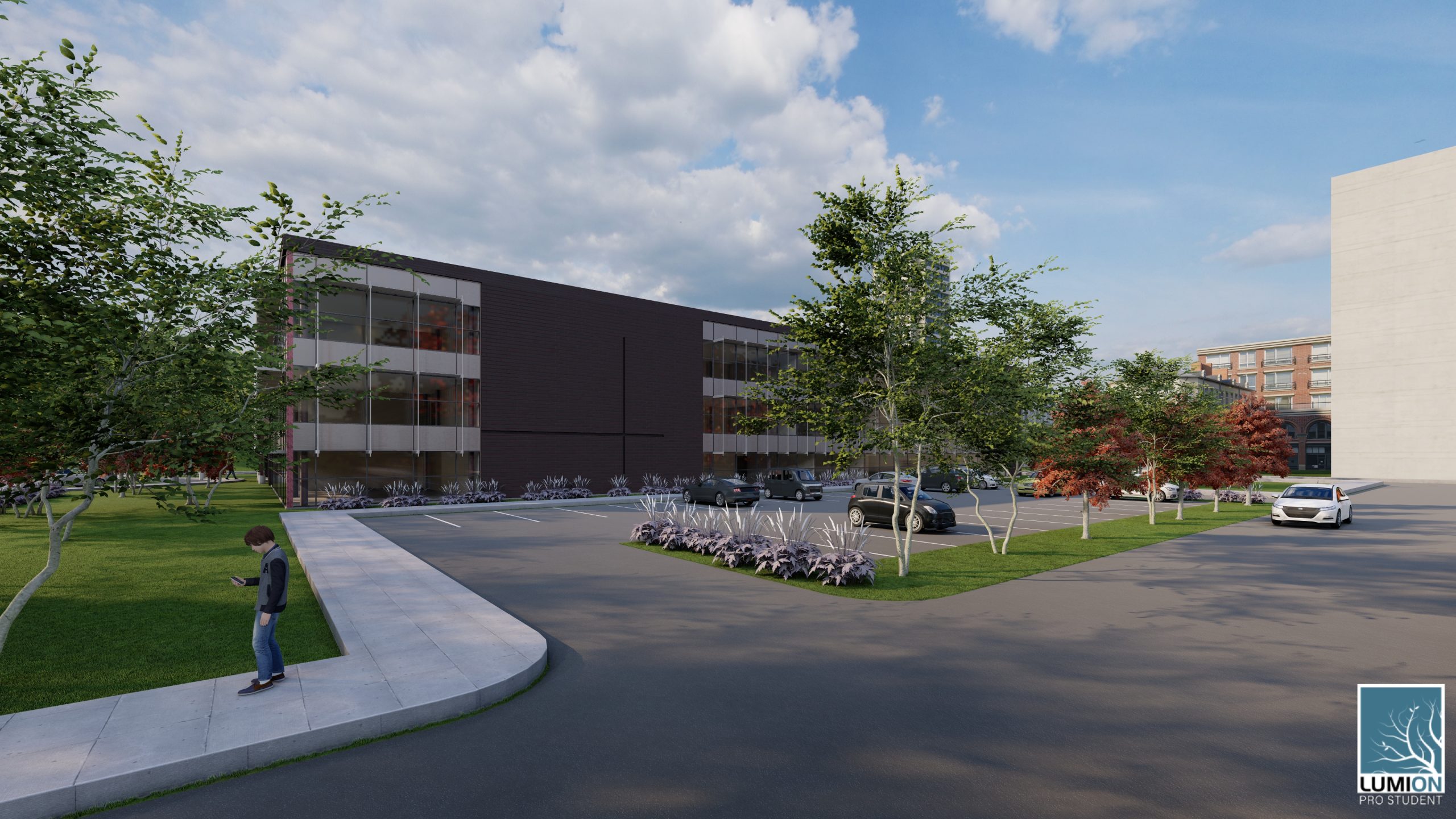
Sample Architecture Renderings
QUESTIONS AND ANSWERS